
Your shop, online. In three minutes.
A booking page that looks the part and loads fast. The client picks a service, a barber and a time, and it lands in your calendar. No phone calls.
The problem
Sound familiar?
Nothing to find online
People search for you on Google and find a phone number. If they cannot book there and then, plenty of them book somewhere else.
WhatsApp that never ends
"What time are you open tomorrow?" "Anything free at three?" Dozens of messages a day that take time and produce nothing.
No way to show what you offer
Prices, timings, the things you are actually good at. A client cannot see any of it until they walk in, and often they do not walk in.
The solution
How CiaoBarber solves it
- Four professional templates for your booking page
- A service menu with prices, durations and photos
- Live barber and time slot selection
- One link to share on Instagram, Google and WhatsApp
Perché scegliere CiaoBarber?
Most people look a local business up online before they go. If your barbershop has no booking page, you are relying on them to call, and a good number of them will not. An online booking page turns the shop into something that is open even when you are not: clients book at eleven at night, on their lunch break, or standing on a train, without waiting for you to pick up.
01
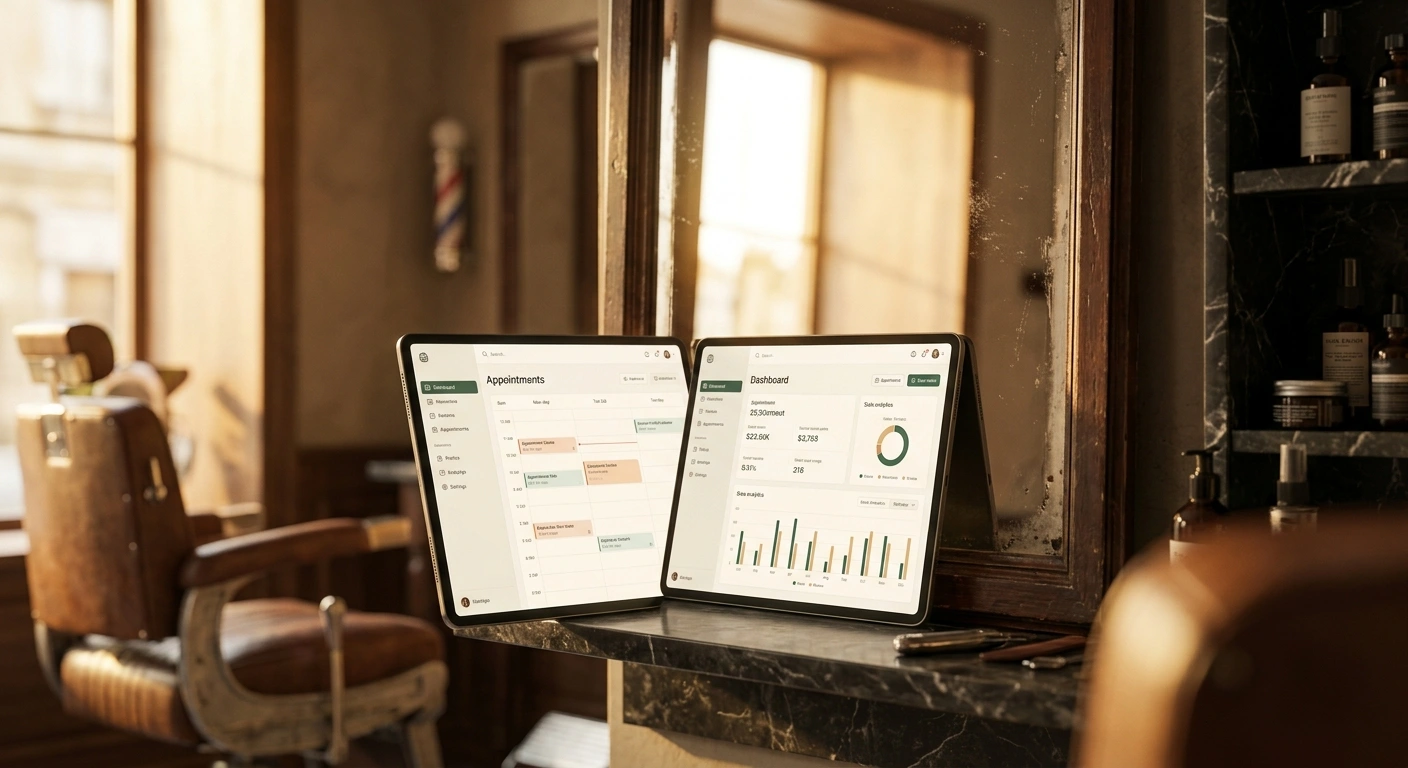
Four professional templates for your booking page
The page carries your shop's name, your colours, your logo and photographs of your work. It shows the full service menu with clear prices and honest timings, so nobody arrives with the wrong expectation. The client sees live availability, chooses their preferred barber if you have more than one chair, and confirms in a few taps. There is nothing to register for and no app to install, and it works on any phone, tablet or computer.
02
A service menu with prices, durations and photos
The part that earns its keep is how shareable it is. Your booking page is a single link you can put in your Instagram bio, your Google Business Profile, your WhatsApp replies and a QR code in the window. Every one of those becomes a direct route to a confirmed appointment. Making that link easy to find is the most direct way to turn somebody who discovers you online into somebody already in the diary.

03
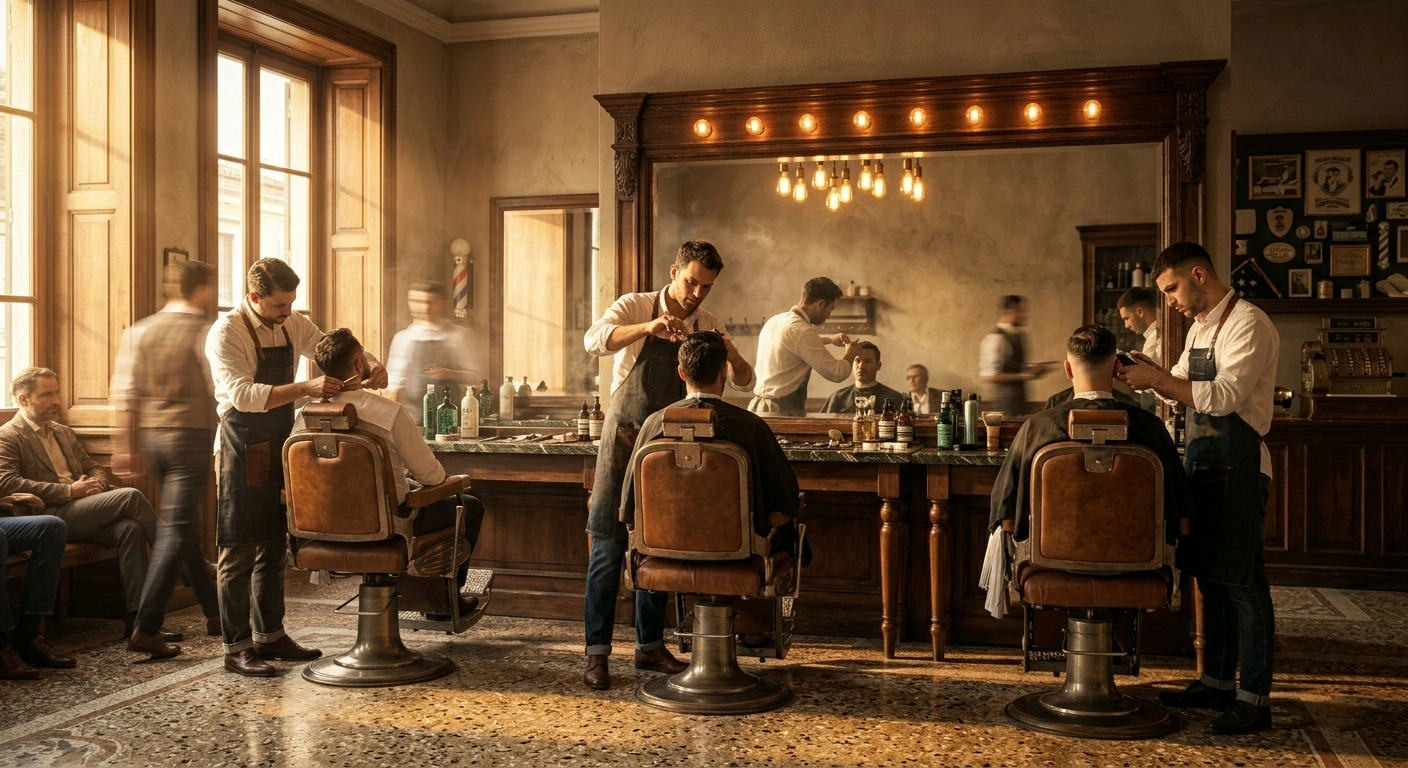
Live barber and time slot selection
Most people look a local business up online before they go. If your barbershop has no booking page, you are relying on them to call, and a good number of them will not. An online booking page turns the shop into something that is open even when you are not: clients book at eleven at night, on their lunch break, or standing on a train, without waiting for you to pick up.
How it works
Up and running in a few steps
Build the page in three minutes
Add your shop name, upload your logo, pick one of the four templates and set your colours. The page goes live immediately on its own address, something like ciaobarber.com/s/your-shop.
Add your services
Build the menu with a name, price, duration and short description for each service. You can add photographs of the results too, so clients know what they are booking.
Share the link everywhere
Paste it into your Instagram bio, your Google Business Profile, your WhatsApp replies and your business cards. You can also generate a QR code to print and put in the window.
They book, you get on with it
The client picks a service, a barber and a time. The booking appears in your CiaoBarber calendar straight away with a push notification. No calls, no messages, no misheard names.
3 taps
To complete a booking
4 templates
To match your shop's look
24/7
The page takes bookings around the clock
FAQ
Frequently asked questions
Do I need to know how to code to build the booking page?+
Does it work with Google Business?+
Do clients have to create an account to book?+
Torna alla Sedia.
Let CiaoBarber handle the admin. You go back to what you love: cutting, creating, inspiring.
Start FreeNo card required. 30 days free.
Other solutions
Keep exploring- Every appointment in its place. Every time.Run your barbershop diary without the phone. No double bookings, no lost slots, no interruptions mid-cut. Start free with CiaoBarber.
- Take payment in a tap. Account for every cent.A till built for barbers. Take cash, card or PayPal QR, issue receipts instantly and track every euro. Start free with CiaoBarber.
- Your team, organised. Without a meeting.Run your team with roles, permissions and individual calendars. Each barber sees only their own appointments. Try it free.
- Shelves that stay stocked.Track products, get low stock alerts and keep your suppliers in one place. No more empty shelves on a Saturday. Start free with CiaoBarber.
- The numbers that grow a shop.Your barbershop's numbers in real time. Revenue, appointments, clients, staff performance and trends, in one clear dashboard. Try it free.