
Every appointment in its place. Every time.
No more phone calls mid-cut. CiaoBarber's calendar handles bookings, reminders and no-shows, so you can keep your hands on the work.
The problem
Sound familiar?
The phone never stops
Every ring is an interrupted cut. You lose your rhythm, you lose time, and the client in the chair feels like an afterthought.
Double bookings and a diary nobody trusts
Sticky notes, WhatsApp messages and memory. A system that collapses on a Saturday morning, exactly when you can least afford it.
No-shows that hollow out the day
A client who does not turn up is revenue gone and a gap that is almost impossible to fill at short notice.
The solution
How CiaoBarber solves it
- A weekly calendar colour-coded by status and by barber
- Automatic email reminders before every appointment
- Drag and drop rescheduling, so moving a booking takes seconds
- Full history for every client, with notes and preferences
Perché scegliere CiaoBarber?
Appointment management is the heart of any barbershop that works. Without a system you can rely on, double bookings, gaps in the diary and frustrated clients are a matter of when, not if. CiaoBarber gives you a digital calendar built for barbers rather than adapted from generic office software: drag and drop, readable at a glance, and usable from whatever device is nearest. Every appointment is tied to the client's profile, with notes on how they like their cut, what they have booked before and how they usually pay.
01
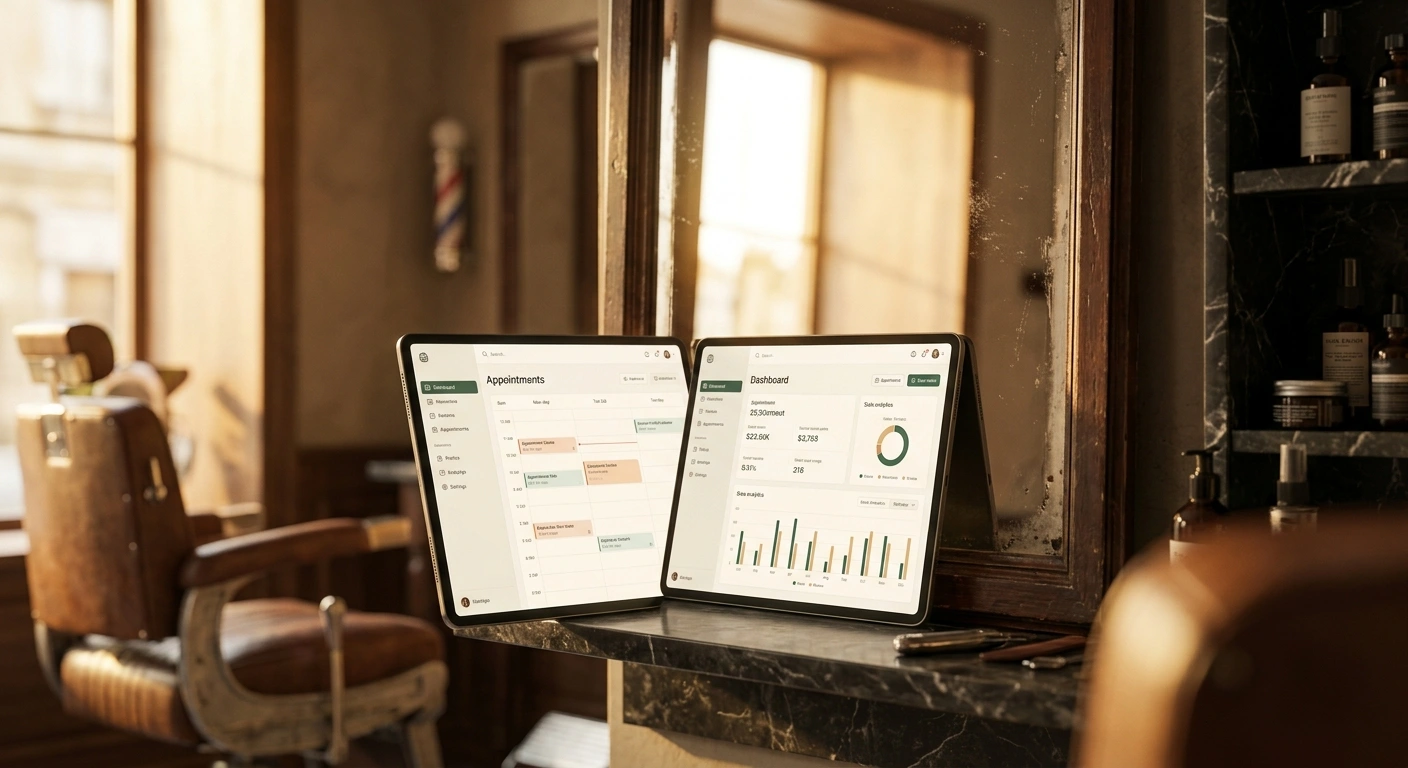
A weekly calendar colour-coded by status and by barber
No-shows are the quiet cost of running a shop. Automatic email reminders go out ahead of each appointment, and when a client cancels, the slot returns to the online booking page straight away so somebody else can take it. That turns a cancellation from lost revenue into an opening, without you having to chase anyone.
02
Automatic email reminders before every appointment
What separates this from a shared Google Calendar or a spreadsheet is that it understands how a shop actually runs: colour codes by service type, a multi-barber view for shops with more than one chair, automatic blocking of lunch breaks, and buffer time between appointments for cleaning and setup. The result is a diary that largely runs itself, which leaves you free to do the part only you can do.


03
Drag and drop rescheduling, so moving a booking takes seconds
Appointment management is the heart of any barbershop that works. Without a system you can rely on, double bookings, gaps in the diary and frustrated clients are a matter of when, not if. CiaoBarber gives you a digital calendar built for barbers rather than adapted from generic office software: drag and drop, readable at a glance, and usable from whatever device is nearest. Every appointment is tied to the client's profile, with notes on how they like their cut, what they have booked before and how they usually pay.
How it works
Up and running in a few steps
Set up your diary
Enter your opening hours, breaks, the services you offer and the buffer you want between appointments. CiaoBarber builds the available slots from that. It takes about three minutes.
Clients book online
Share your booking page link on Instagram, your Google Business Profile and WhatsApp. Clients pick the service, the barber and the time themselves, at any hour, including when the shop is shut.
Reminders go out on their own
Every new booking lands in your calendar immediately. The system emails the client a reminder ahead of the appointment, so fewer of them forget.
Manage it by dragging
Move, edit or cancel an appointment by dragging it. Switch between day, week and month to see your own diary or the whole team's.
3 min
To set the calendar up from scratch
24/7
Clients can book whenever it suits them
2 reminders
Sent automatically before each appointment
FAQ
Frequently asked questions
My clients are not very technical. Will they manage to book online?+
Can I still take bookings over the phone?+
What happens if two clients book the same slot?+
Torna alla Sedia.
Let CiaoBarber handle the admin. You go back to what you love: cutting, creating, inspiring.
Start FreeNo card required. 30 days free.
Other solutions
Keep exploring- Your shop, online. In three minutes.Put your barbershop online in three minutes. Clients choose the service, the barber and the time without a single phone call. Try it free.
- Take payment in a tap. Account for every cent.A till built for barbers. Take cash, card or PayPal QR, issue receipts instantly and track every euro. Start free with CiaoBarber.
- Your team, organised. Without a meeting.Run your team with roles, permissions and individual calendars. Each barber sees only their own appointments. Try it free.
- Shelves that stay stocked.Track products, get low stock alerts and keep your suppliers in one place. No more empty shelves on a Saturday. Start free with CiaoBarber.
- The numbers that grow a shop.Your barbershop's numbers in real time. Revenue, appointments, clients, staff performance and trends, in one clear dashboard. Try it free.